

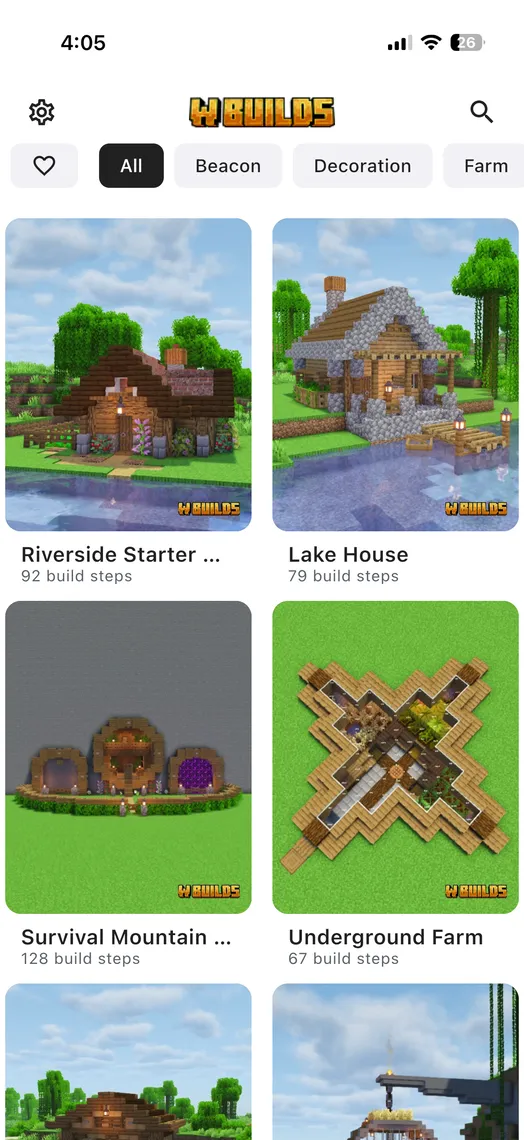
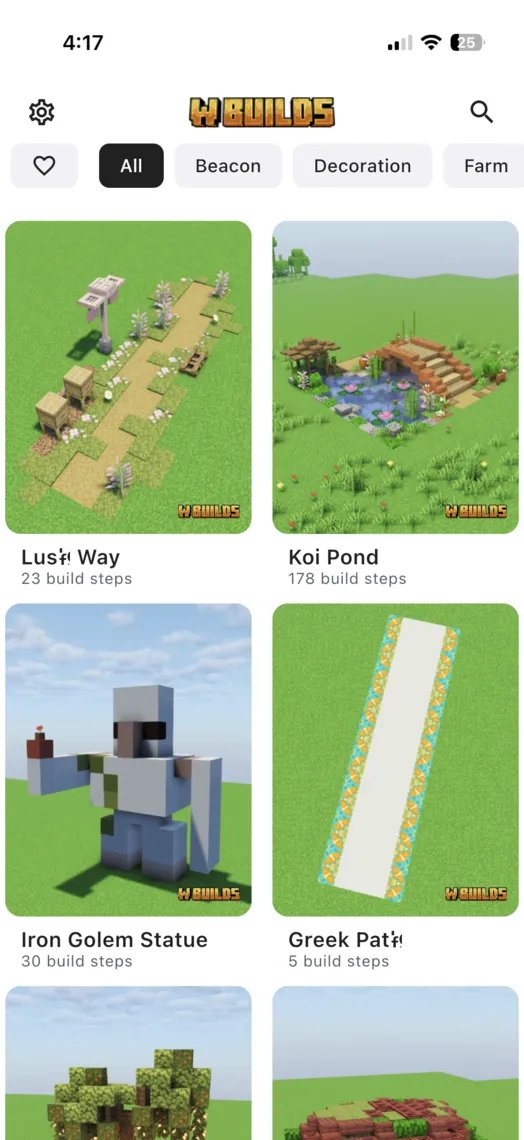
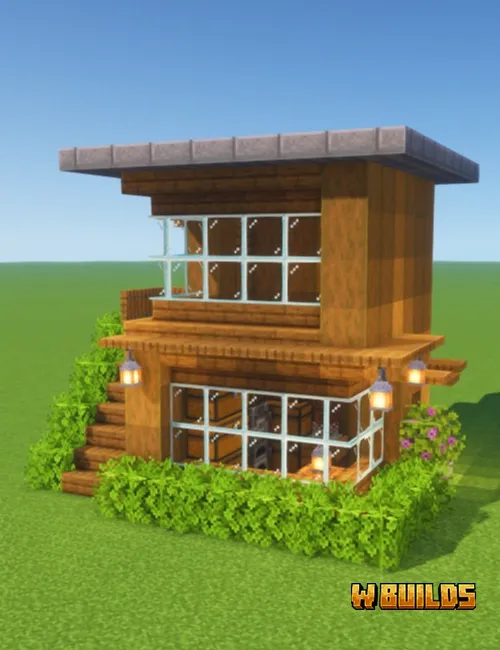
Bibliothèque de constructions
Maisons Minecraft, châteaux et bien plus
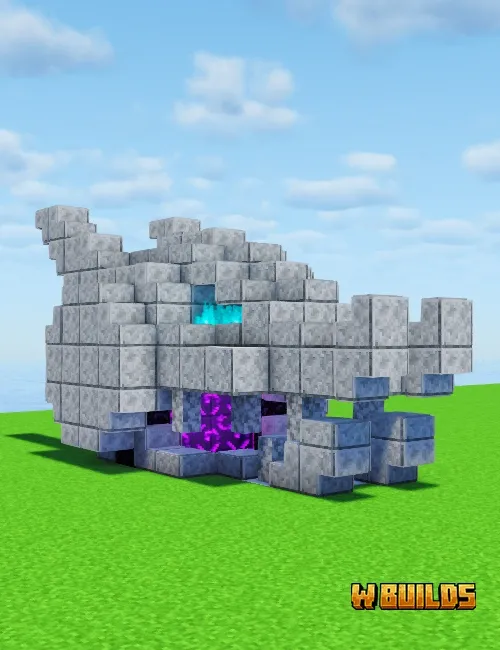
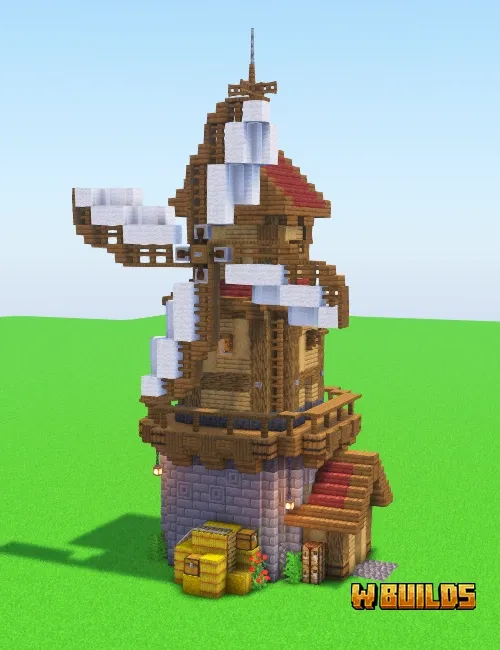
Des constructions Minecraft faciles, comme les maisons de départ, aux châteaux médiévaux, granges et portails du Nether. Explorez une bibliothèque croissante de maisons Minecraft et autres modèles guidés bloc par bloc.
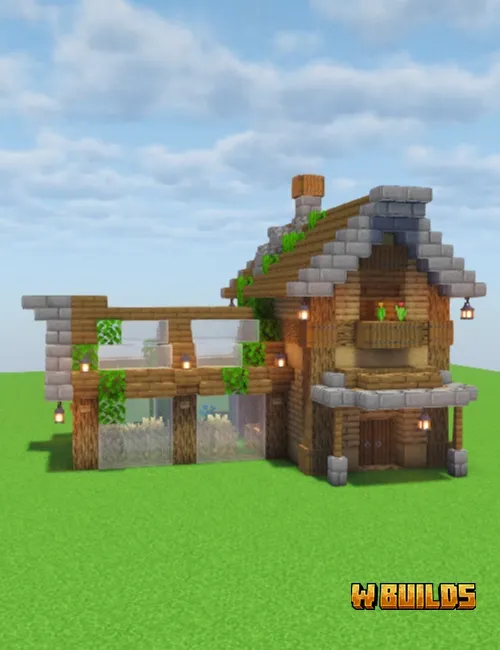
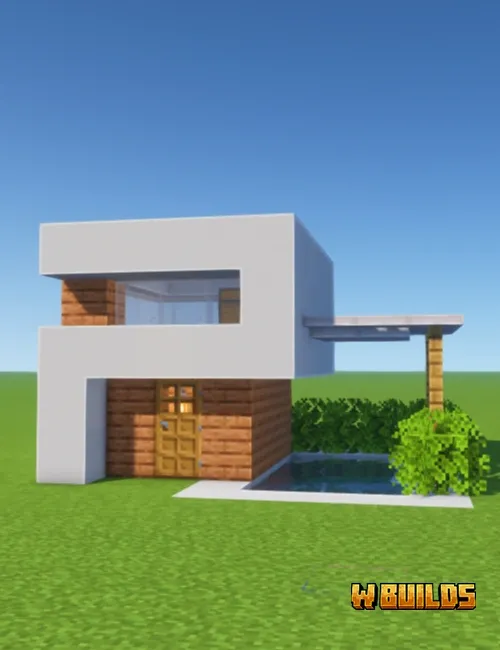
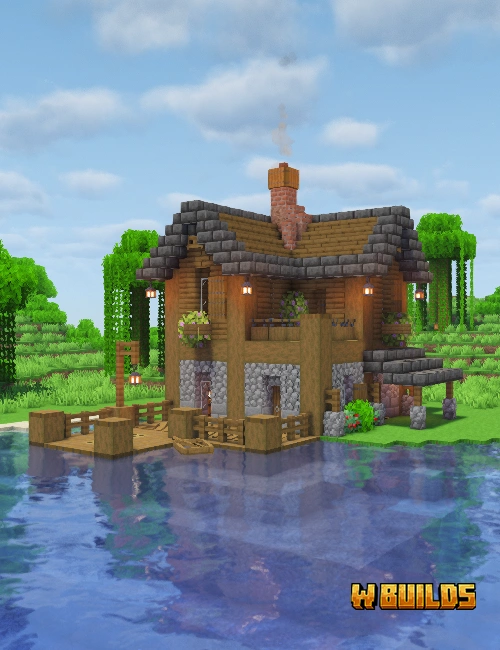
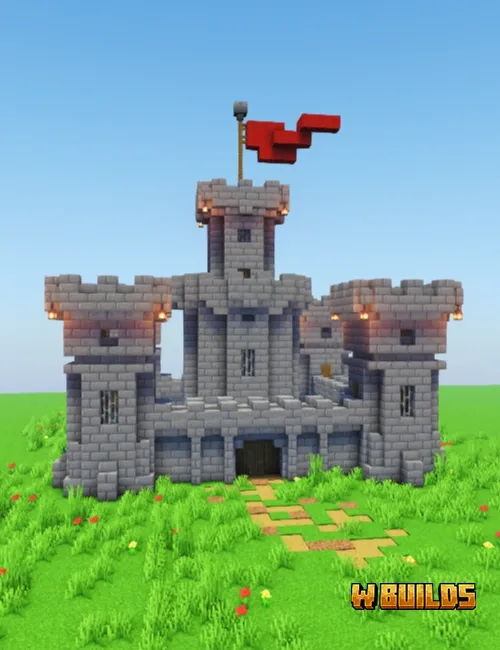
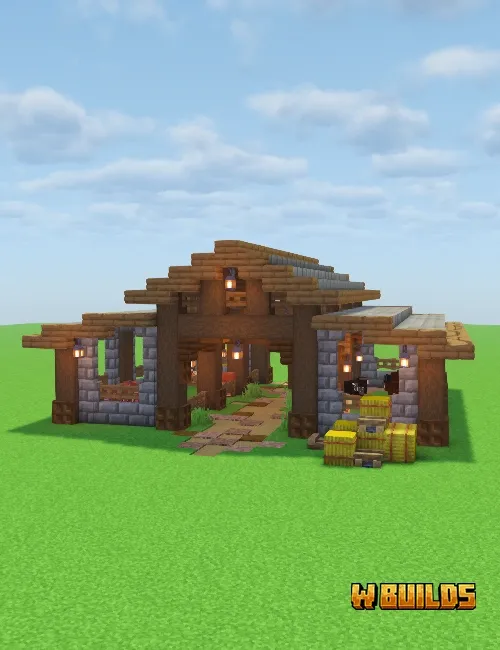
Comment ça marche
Trois étapes pour créer de superbes constructions Minecraft
Les tutoriels de construction Minecraft n'ont jamais été aussi faciles à suivre.
Choisissez une construction
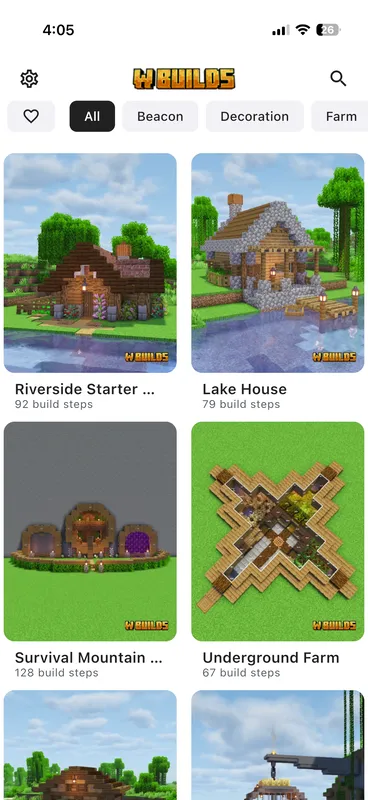
Parcourez 600+ tutoriels Minecraft classés par catégorie et difficulté : maisons Minecraft, fermes, châteaux, décorations et bien plus.
Rassemblez les matériaux
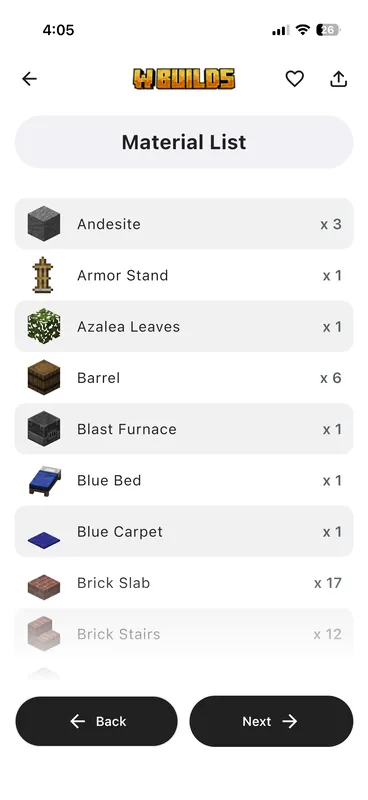
Obtenez la liste précise des matériaux et leurs quantités. Sachez quels blocs réunir avant d'en poser un seul, comme un plan Minecraft accompagné de sa liste de courses.
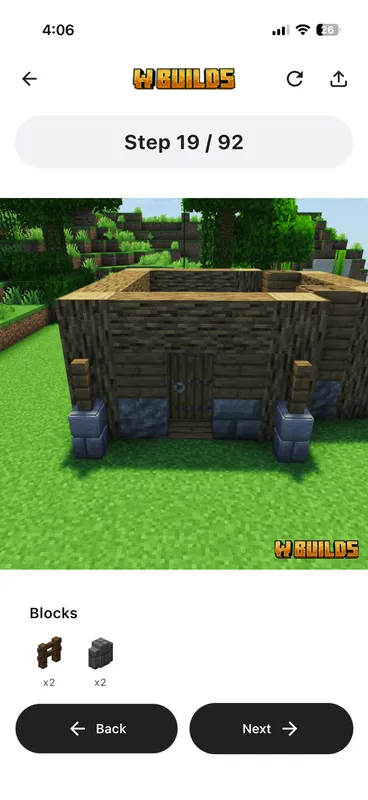
Construisez étape par étape
Suivez des instructions visuelles claires bloc par bloc. Les étapes numérotées montrent exactement où placer chaque bloc, avec des indications par petites sections.
Fonctionnalités
Tout ce qu’il faut dans un guide de construction Minecraft
Plus besoin de deviner la position des blocs ou de mettre en pause une vidéo saccadée. WBuilds rend la construction Minecraft simple et fluide.
Tutoriels de construction étape par étape
Des constructions Minecraft visuelles et claires, une étape numérotée à la fois. Comme une notice LEGO pour Minecraft : aucune confusion, il n'y a plus qu'à construire.
Listes précises de matériaux
Sachez exactement quels blocs réunir avant de commencer. Ne perdez plus de temps avec les mauvais matériaux. Comme un planificateur de maison Minecraft, WBuilds indique le nombre précis de blocs pour chaque modèle.
600+ plans de construction Minecraft
Maisons Minecraft, châteaux, fermes, statues, décorations, mécanismes Redstone et bien plus. Parcourez des plans détaillés bloc par bloc, avec de nouvelles constructions chaque semaine.
Niveaux de difficulté
Constructions faciles, moyennes ou difficiles. Que vous débutiez ou cherchiez un défi, vous trouverez un modèle adapté à votre niveau.
Fonctionne hors ligne
Téléchargez les constructions dans l'application et suivez les guides sans connexion Internet. Votre planificateur Minecraft fonctionne partout et à tout moment, sans Wi-Fi.
Mode clair et sombre
Une lecture agréable partout. Passez du thème clair au thème sombre pendant que vous suivez votre guide.
Pourquoi WBuilds ?
Le meilleur guide de construction Minecraft en application
Mieux organisé que YouTube et plus clair que des plans Minecraft trouvés au hasard ou un fichier de schéma brut. La manière la plus pratique de construire dans Minecraft, des modèles simples aux projets d'expert.
| Fonctionnalité | WBuilds | YouTube | Plans en images | Schematica |
|---|---|---|---|---|
| Instructions étape par étape | ✓ | ~ | ✕ | ~ |
| Listes précises de matériaux | ✓ | ✕ | ~ | ✓ |
| Fonctionne hors ligne | ✓ | ✕ | ✕ | ✓ |
| Avancez à votre rythme | ✓ | ~ | ✓ | ✓ |
| Bibliothèque organisée | ✓ | ✕ | ✕ | ✕ |
| Java, Bedrock et PE | ✓ | ~ | ✕ | ✕ |
| Aucun mod nécessaire | ✓ | ✓ | ✓ | ✕ |
Avis
Apprécié des constructeurs Minecraft
Découvrez ce que la communauté Minecraft pense des tutoriels WBuilds.
★★★★★
WBuilds is a total game-changer! I'm obsessed with how it turns complex Minecraft projects into simple, step-by-step LEGO-style instructions. Harvey Causer ★★★★★
A really good idea by people that clearly care about what they are doing and want to grow and improve, they take feedback on board and add new builds every week. Tom Holmes ★★★★★
The building instructions are super understandable and you can recreate the buildings step by step without having to constantly search for a YouTube video somewhere. I find the exact material list and the clear presentation in particular really good. You really notice that there's a lot of work involved in the app. SILVER ★★★★★
I absolutely LOVE this app! It's honestly so helpful for Minecraft and makes building so much easier. It gives me tons of ideas and helps me create things that I probably wouldn't be able to build on my own. Everything is really easy to use, and there are so many cool things to discover. If you play Minecraft and like building, I definitely recommend this app! Cfam2026 ★★★★★
Everything is well organized, making it simple to find and use without any problems. The app runs smoothly and the builds work perfectly across editions. Ibrahim M. ★★★★★
I'm so glad that there is a built in tutorial on how to make your house instead of watching a 2x speed show you how to make one without telling you the materials needed and how much you need. Love the this app so much Tophatslapper100th ★★★★★
I've been using this app for a while and it's great I've been able to make farms, builds etc which has helped since I'm not the best builder or redstoner which is why this app has been such a big help Max_Moonlight ★★★★★
I use it everyday, and it's so fun building new stuff everyday and the features are so good and I really recommend it if you want to build something fun or nice in your world, there's also farms and cool decorations, I really recommend it Krissy_here ★★★★★
Super aplikacja aby nauczyć się ładnie budować. Stworzyłam piękne miasto dzięki tej aplikacji !! Marcelina6767 ★★★★★
the app is very good as well Unlike YouTube videos, I don't have to constantly pause it, and it explains everything in detail, so there's nothing I don't understand. Unlike some videos, it doesn't leave the materials list out properly; it even provides the stack count, and since it's organized into separate categories, I can browse and do the build I want. Fearless TRK ★★★★★
I personally love this app. They have new drops every Friday and all the builds are amazing. The community is super supportive and the creator has actually personally got a hold of me any time I have an issue. Each build tells you the exact number of blocks you need before showing you a step by step guide. I have been using this app for years and highly recommend it to all people who are looking for clean and simple Minecraft builds <3 Sophia Clark ★★★★★
for a newbie player like me, the steps were really simple and easy to follow, plus the material list really helps cause you can collect everything you need before building. Bankai Zan ★★★★★
Best building turtorials for Minecraft ever! I love the way the step by step feature is! Zachary Drain ★★★★★
wbuilds is honestly the best Minecraft building apps I've used. the builds look amazing and the step by step guides make it so much easier to create builds that I never thought I could do . I especially like how detailed the instructions are and how it helps even if your not the best builder . it gives me loads of inspiration and makes building in Minecraft way more fun Junior Edmonds ★★★★★
It's way better than youtube videos. Very easy to understand not like on YouTube you hear them yap for long time and don't understand anything Satyam Kumar ★★★★★
I love this app it's super easy to follow instructions and also I've gotten no adds at all,I love tht we get new builds every few weeks, most of the builds are easy to build in survival games, I've built a lot of the things on this app and it brings life to my worlds, even just the little paths n patterns or statues, it's the best app for me n might be for youu deff give it a try!!! XxNevaeh xX ★★★★★
it's the best building guide app ever. I used many apps, but unlike the others, this one gives free access to almost any build you want. Premium plan is also cheap. I would love to give it a 100 out of 5! Manas Kumar Mahanta ★★★★★
this app is one of the greatest apps for the starter builders and great to build simple, but beautiful buildings Mr Khumoyun ★★★★★
if i could give 10 stars i would, the build are high quality and they release more and more frequently,the steps are well made and easy to follow and unlike other apps there are no incredibly annoying ads in your face all the time! Elektro ★★★★★
love it, it's a good way to find easy or insane buildings, I absolutely enjoy using it because now my world is 100% better than it used to be I don't have to use YouTube or Google to look it up for hours, it's a w app. Kanner Exley ★★★★★
best app for minecraft structure, it help new beginners to build best structure in Minecraft. I liked it so much Divyanshu Gedam FAQ
Questions fréquentes
Parcourez 600+ idées prêtes à construire : maisons, châteaux, fermes, statues, portails du Nether, salles de stockage et bases de survie complètes, classées par catégorie et difficulté. Choisissez une construction Minecraft et suivez-la bloc par bloc au lieu de partir de zéro.
Commencez par une maison de départ, puis ajoutez une ferme à cultures, un entrepôt et une ferme à XP à mesure que vos ressources augmentent. Chaque guide WBuilds est classé Facile, Moyen ou Difficile pour trouver une idée adaptée à vos moyens.
Maisons de départ, maisons modernes, cottages, maisons japonaises, cabanes dans les arbres, maisons au bord d'un lac et bases souterraines. Les maisons constituent la plus grande catégorie de WBuilds, et chacune possède son guide étape par étape et sa liste de matériaux.
Vous recevez la liste complète des matériaux avant de commencer, afin de tout rassembler. Chaque étape numérotée montre ensuite exactement quels blocs placer et où, mis en évidence sur l'image, comme une notice LEGO pour Minecraft. Votre progression est enregistrée pour construire à votre rythme.
Chaque semaine. De nouvelles constructions arrivent tous les vendredis parmi les maisons, fermes et autres catégories du catalogue.